
Key takeaways
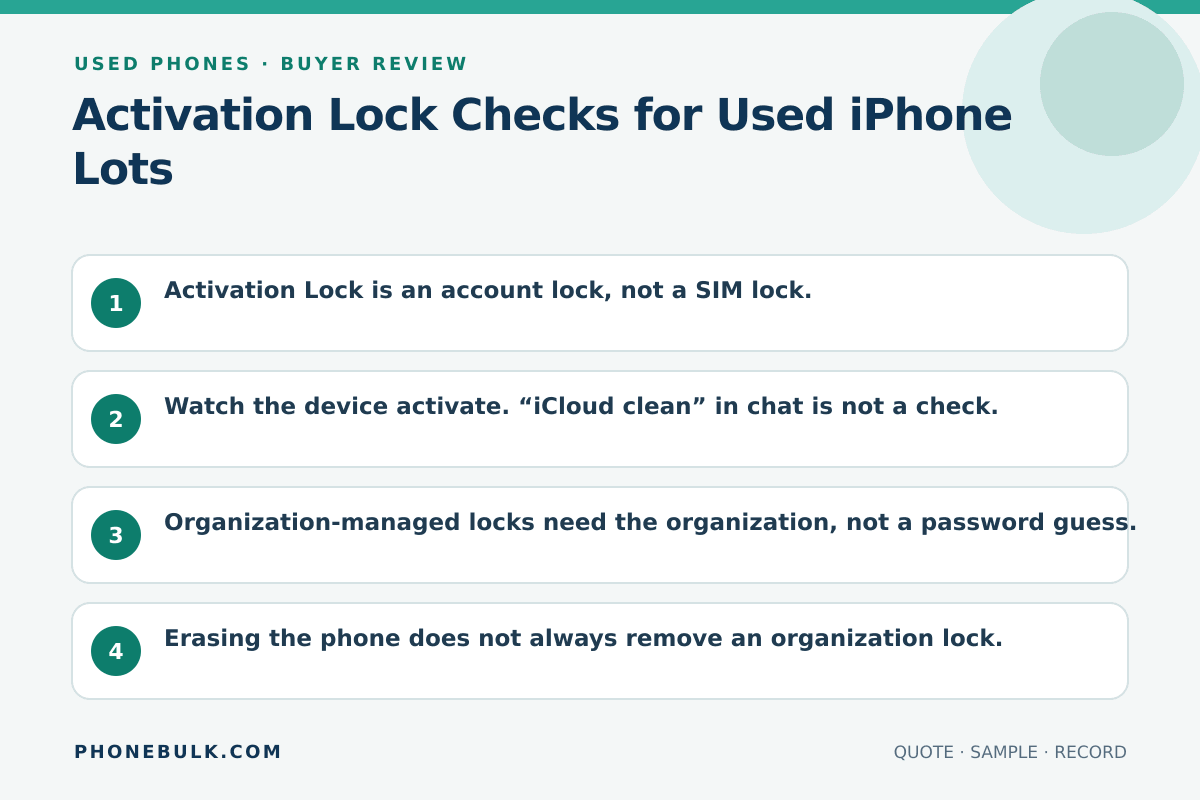
- Activation Lock is an account lock, not a SIM lock.
- Watch the device activate. “iCloud clean” in chat is not a check.
- Organization-managed locks need the organization, not a password guess.
- Erasing the phone does not always remove an organization lock.
- One locked unit is not a 2% quality issue. It is unsellable stock.
Activation Lock is how Apple keeps a lost or stolen device from being reused. In wholesale, it is how a cheap carton becomes scrap.
What the risk means
When Find My is on, Activation Lock stores the Apple Account against the device. Apple says the account password is required before anyone can turn off Find My, erase the device, or reactivate it. Each activation checks Apple’s servers.
On iOS or iPadOS 15 or later, a locked used device can show iPhone Locked to Owner. Apple’s advice for buyers is not to take ownership of that unit.
Organizations can also manage Activation Lock through a device-management service, with bypass codes held by that service. That is not a consumer password.
Why bulk buyers should care
You cannot polish this away. The phone may be Grade A, IMEI-clean, and still useless.
Accept / Clarify / Reject
| Evidence | Accept | Clarify | Reject |
|---|---|---|---|
| Setup after erase | Home screen, no owner lock | Not erased yet | Locked to Owner |
| Seller Apple Account | Signed out, Find My off | “We will remove tonight” | Password promised later |
| Organization lock | Released in writing by the org | MDM story unclear | Bypass tools offered |
How to test it
- Confirm the unit is erased, or erase it in front of you if the contract allows.
- Connect to a network and start setup.
- Stop if you see Locked to Owner or a request for the previous Apple Account.
- If setup completes, still open Settings and confirm no leftover account.
- Then run the MDM check. A clean personal lock is not a clean organization record.
What evidence to request
- Power-on after erase, on your network
- Photo of the setup screen, not a home-screen wallpaper
- For company stock, the organization that will release the device
Common supplier wording
- “iCloud clean”
- “Activation lock free after payment”
- “We have the Apple ID in a spreadsheet”
Related checks
Frequently asked questions
Can I buy a locked iPhone if the seller promises the password later?
No. Apple’s used-device advice is not to take a device still protected by Activation Lock. A later password is not a buying term you can enforce after the seller disappears.
Is Find My the same as MDM?
No. Find My / Activation Lock is usually a personal Apple Account. MDM is organizational management. Check both. See the [MDM page](/used-phones/mdm-enrollment-check/).
Sources and methodology
- Activation Lock for iPhone and iPad — Apple Support Accessed August 22, 2026.
- Activation Lock on Apple devices — Apple Support Accessed August 22, 2026.
- If you want to buy a pre-owned iPhone — Apple Support Accessed August 22, 2026.
Update history
- — First published. Official sources on this page were accessed on this date unless a later note says otherwise.
Factual corrections after publication are listed on the corrections page. There is no separate reviewer identity on this desk. See the editorial policy.

About the author
Frank Dean
Frank Dean researches manufacturer, standards, and trade documents for PhoneBulk, then turns them into accept / clarify / reject buying guidance for resellers.
- Source-backed wholesale research
- Claim-level fact review
- Separation of official rule and trade practice