
Key takeaways
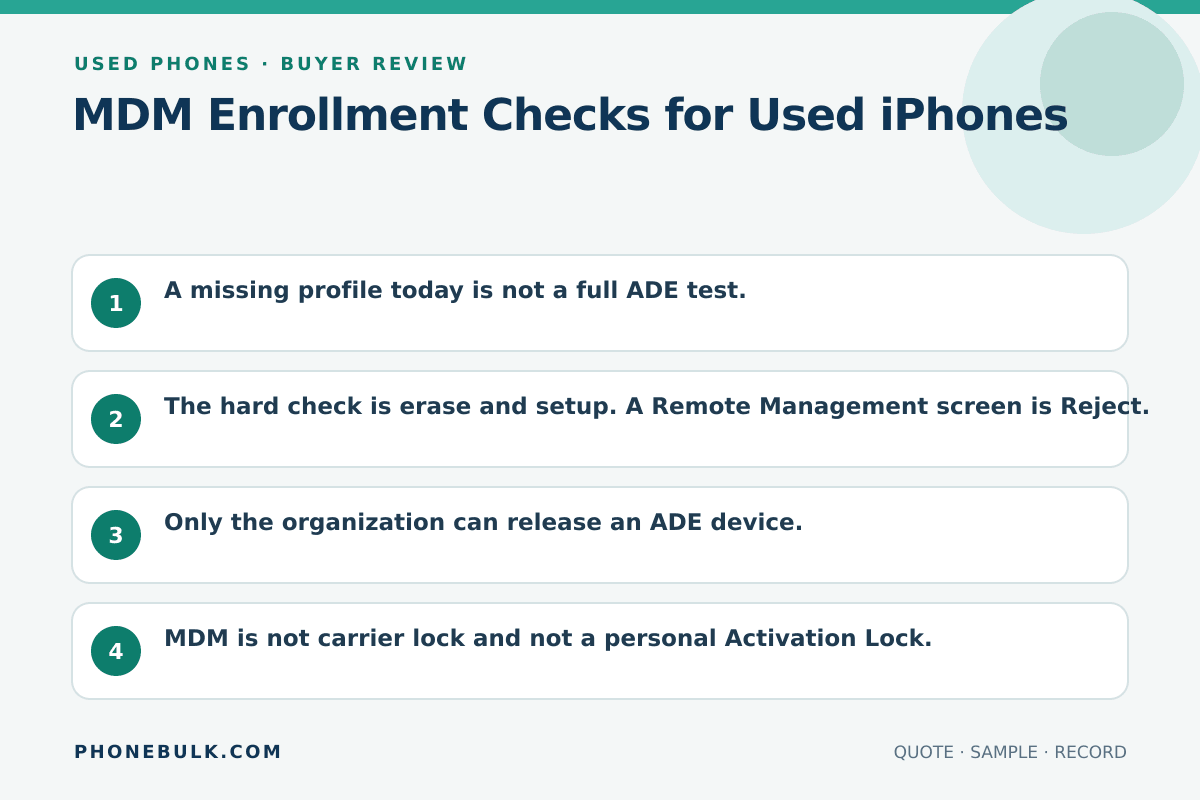
- A missing profile today is not a full ADE test.
- The hard check is erase and setup. A Remote Management screen is Reject.
- Only the organization can release an ADE device.
- MDM is not carrier lock and not a personal Activation Lock.
- “We can remove MDM” without naming the organization is Clarify at best.
MDM is organizational control. In a used lot, it is the lock that can come back after you thought you wiped the phone.
What the risk means
A configuration profile can set accounts, VPN, and other device rules. Apple says you can see installed profiles in Settings > General > VPN & Device Management. If you see none, no device-management profiles are installed at that moment.
Apple Business documents several enrollment methods. Automated Device Enrollment is designed for new or erased organization-owned devices. It can supervise the device from first setup. That is why a reset is the test that matters for wholesale.
Activation Lock managed by an MDM service is a related, separate control. Check both.
Why bulk buyers should care
A phone can work on the home screen and still show Remote Management after erase. You cannot sell that unit to a walk-in customer as a normal used iPhone.
Accept / Clarify / Reject
| Evidence | Accept | Clarify | Reject |
|---|---|---|---|
| VPN & Device Management | No profile | Profile with a story | Supervised, no release |
| After erase | No Remote Management | Reset not allowed | Organization setup returns |
| Seller claim | Org named, release in writing | “We remove MDM” | Bypass tool offered |
How to test it
- Settings > General > VPN & Device Management.
- Photograph any profile name.
- If the contract allows, erase the iPhone and set it up on your network.
- Stop if Setup Assistant asks for organization credentials or Remote Management.
- Check Activation Lock on the same unit.
What evidence to request
- Permission to erase a sample
- The organization that enrolled the serial
- Written release before the balance
- A rule for units that re-enroll after you leave the warehouse
Common supplier wording
- “MDM can be deleted in Settings”
- “Company phones but already wiped”
- “Supervision is only a label”
Related checks
Frequently asked questions
Can I delete the profile and sell the phone as unmanaged?
Apple lets you delete some profiles in Settings > General > VPN & Device Management. Deleting a profile removes its settings and related data. Supervised or ADE devices can re-enroll after erase. Deleting a user-removable profile is not a release from Apple Business Manager.
Is every work iPhone ADE-enrolled?
No. Apple documents several enrollment methods, including user enrollment for personally owned devices and Automated Device Enrollment for organization-owned new or erased devices. Ask which one applied.
Sources and methodology
- Install or remove configuration profiles on iPhone — Apple Support Accessed August 22, 2026.
- Review and delete configuration profiles — Apple Support Accessed August 22, 2026.
- Enrollment methods for built-in device management — Apple Support Accessed August 22, 2026.
- Activation Lock on Apple devices — Apple Support Accessed August 22, 2026.
Update history
- — First published. Official sources on this page were accessed on this date unless a later note says otherwise.
Factual corrections after publication are listed on the corrections page. There is no separate reviewer identity on this desk. See the editorial policy.

About the author
Frank Dean
Frank Dean researches manufacturer, standards, and trade documents for PhoneBulk, then turns them into accept / clarify / reject buying guidance for resellers.
- Source-backed wholesale research
- Claim-level fact review
- Separation of official rule and trade practice