
Key takeaways
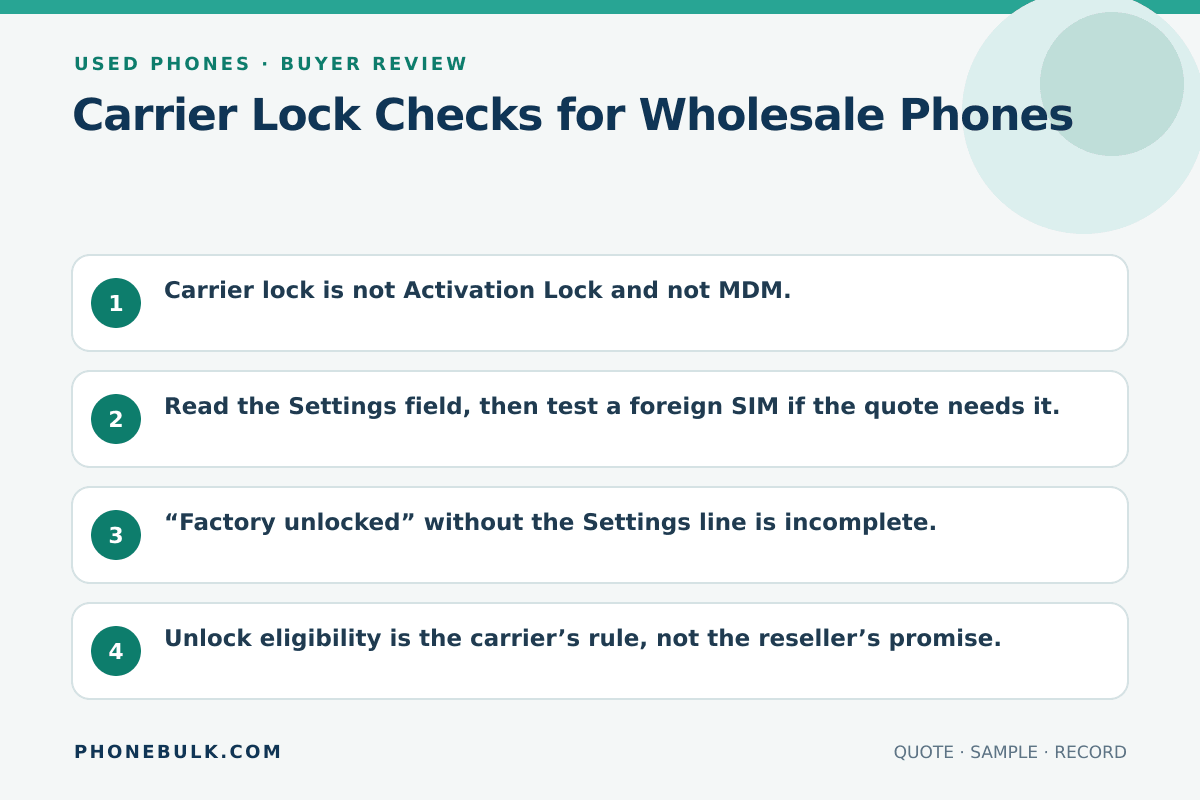
- Carrier lock is not Activation Lock and not MDM.
- Read the Settings field, then test a foreign SIM if the quote needs it.
- “Factory unlocked” without the Settings line is incomplete.
- Unlock eligibility is the carrier’s rule, not the reseller’s promise.
- Locked stock is sellable only into that carrier’s channel.
Carrier lock is a network-commercial control. It is the cheapest way to buy a phone you cannot activate on your customer’s SIM.
What the risk means
A locked phone expects a supported SIM from the original carrier. Apple documents the buyer-facing message: the inserted SIM does not appear to be supported, and only compatible SIM cards from a supported carrier may be used.
On iOS 14 and later, Apple tells you to open Settings > General > About. If No SIM restrictions appears next to Carrier Lock, the iPhone is unlocked.
Why bulk buyers should care
Locked units can still look Grade A. They fail at the counter. A lot priced as unlocked and delivered locked is a Reject, not a discount conversation after the flight lands.
Accept / Clarify / Reject
| Evidence | Accept | Clarify | Reject |
|---|---|---|---|
| iPhone About screen | No SIM restrictions, as quoted | Field not shown | Locked, sold as unlocked |
| Named carrier lock | Matches your channel | “Can unlock later” | Unlock sold as already done |
| SIM trial | Second carrier attaches | No spare SIM | Fails after “unlocked” quote |
| Android menu | Brand lock screen matches quote | Menu not found | Hidden lock after payment |
How to test it
- Charge the phone and go online if the OS needs it to refresh policy.
- iPhone: Settings > General > About > Carrier Lock.
- If the quote requires unlocked and the field is missing, try a SIM from another carrier.
- Android: use the brand’s network-lock menu and a SIM trial. Do not invent an iPhone-style line if it is not there.
- Photograph the screen with the IMEI.
What evidence to request
- Lock status per IMEI, not one sentence for the carton
- Carrier name if locked
- Whether an unlock request is already approved
- Who pays if the carrier refuses
Common supplier wording
- “Factory unlocked”
- “US mixed, easy unlock”
- “Insert any SIM after reset”
Reset does not unlock a carrier lock.
Related checks
Frequently asked questions
Can Apple unlock a carrier-locked iPhone for a reseller?
Apple’s public unlock page says Apple cannot unlock an iPhone for another carrier. Only the current carrier can.
If Carrier Lock says No SIM restrictions, is the phone ready to sell worldwide?
It is unlocked for SIM use. You still need bands, account locks, IMEI status, and region.
Sources and methodology
- How to unlock your iPhone for use with a different carrier — Apple Support Accessed August 22, 2026.
Update history
- — First published. Official sources on this page were accessed on this date unless a later note says otherwise.
Factual corrections after publication are listed on the corrections page. There is no separate reviewer identity on this desk. See the editorial policy.

About the author
Frank Dean
Frank Dean researches manufacturer, standards, and trade documents for PhoneBulk, then turns them into accept / clarify / reject buying guidance for resellers.
- Source-backed wholesale research
- Claim-level fact review
- Separation of official rule and trade practice