
Key takeaways
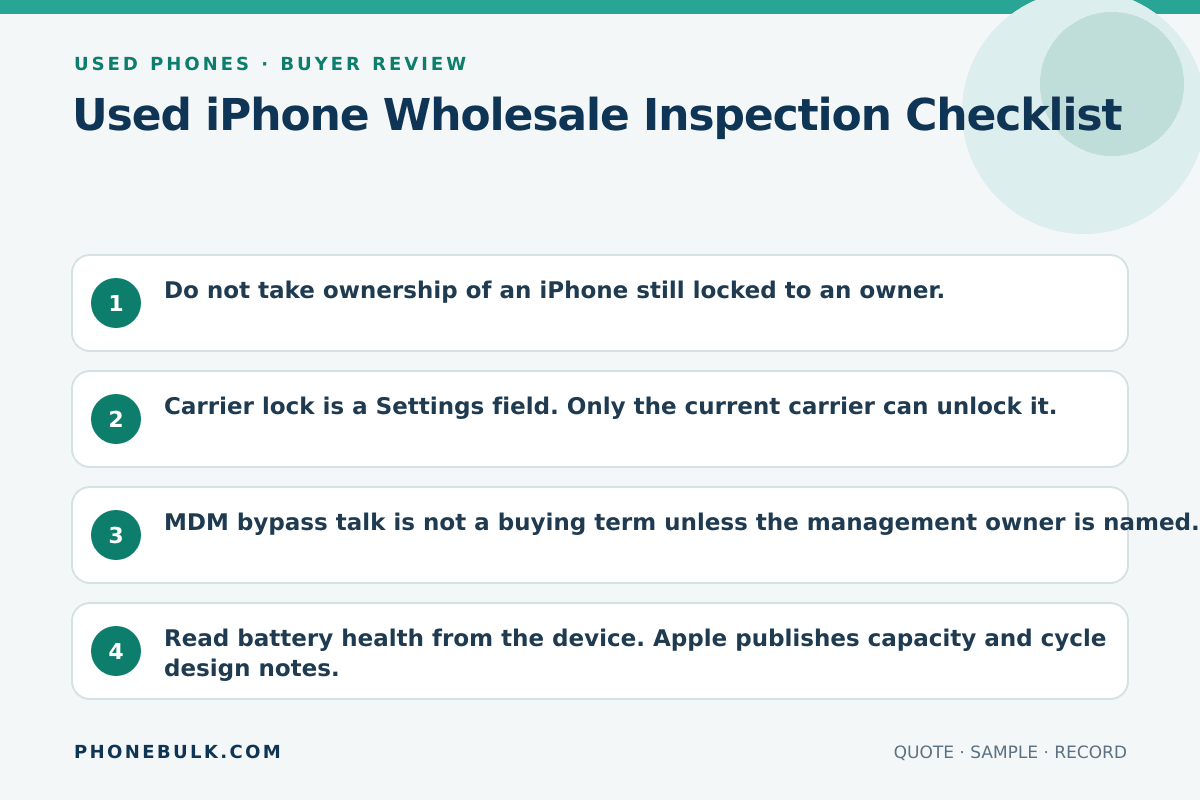
- Do not take ownership of an iPhone still locked to an owner.
- Carrier lock is a Settings field. Only the current carrier can unlock it.
- MDM bypass talk is not a buying term unless the management owner is named.
- Read battery health from the device. Apple publishes capacity and cycle design notes.
- Parts history can change value even when the phone works.
Use this list with the bulk QC checklist. This page adds the iPhone screens.
Activation Lock
Apple turns Activation Lock on with Find My. A used unit should be erased and free of the previous owner’s account. If you see iPhone Locked to Owner, do not take the device. Organization-owned units can also have MDM-managed Activation Lock. Those need the organization or its device-management service, not a password guess.
Carrier lock
Settings > General > About > Carrier Lock. No SIM restrictions means unlocked. Anything else is locked. Apple cannot unlock it. The current carrier can, and only if that carrier’s rules allow it.
MDM and supervision
Ask whether the iPhone is enrolled in a device-management service. A supervised or organization-linked device can come back under management after a reset. If the supplier says they can remove MDM, ask who owns the Apple Business Manager or School Manager record.
Battery
Settings > Battery > Battery Health (or Battery Health & Charging on older models). Maximum capacity is relative to when the battery was new. Apple notes that unused time between manufacture and activation can show slightly under 100%. iPhone 14 and earlier are designed to retain 80% at 500 cycles under ideal conditions. iPhone 15 and later are designed for 80% at 1,000 cycles under ideal conditions. Write your floor. Then read the screen.
Parts and Service History
Settings > General > About, iOS 15.2 or later. Apple may show:
- Genuine
- Unknown
- Used
- Unverified, including on a logic board that can affect Apple Pay
Apple also says an Unknown part can affect trade-in value. If the quote is silent on parts, treat Unknown as Clarify.
Coverage
Apple Check Coverage uses a serial number. Use it as coverage evidence, not as a lock check.
IMEI
Run a named block-list check such as GSMA Device Check. Record the result. It does not replace Activation Lock or carrier lock.
Accept / Clarify / Reject
| Check | Accept | Clarify | Reject |
|---|---|---|---|
| Activation Lock | Off, erased | Not powered on yet | Locked to owner |
| Carrier lock | Matches quote | Settings unclear | Locked sold as unlocked |
| MDM | Not enrolled | “We can remove” | Supervised, no owner |
| Battery | At or above floor | No reading | Far below floor, undisclosed |
| Parts history | Disclosed and priced | Not checked | Hidden after you asked |
| IMEI | Clean on named check | Check pending | Flagged, undisclosed |
Related guides
Frequently asked questions
Where do I see Parts and Service History?
On iOS 15.2 or later, open Settings, tap General, then About. If a repair exists, Apple may show Genuine, Unknown, Used, or Unverified next to the part. Older iOS versions show less.
What battery number should I accept?
There is no official wholesale floor. Apple describes maximum capacity relative to new and publishes 80% design points by generation and cycle count. Write your own floor in the quote, then read it on the device.
Sources and methodology
- Activation Lock for iPhone and iPad — Apple Support Accessed August 22, 2026.
- Activation Lock on Apple devices — Apple Support Accessed August 22, 2026.
- How to unlock your iPhone for use with a different carrier — Apple Support Accessed August 22, 2026.
- iPhone battery and performance — Apple Support Accessed August 22, 2026.
- About the battery and performance of iPhone 11 and later — Apple Support Accessed August 22, 2026.
- iPhone Parts and Service History — Apple Support Accessed August 22, 2026.
- If you want to buy a pre-owned iPhone — Apple Support Accessed August 22, 2026.
- View Coverage — Apple Accessed August 22, 2026.
- GSMA Device Check FAQs — GSMA Accessed August 22, 2026.
Update history
- — First published. Official sources on this page were accessed on this date unless a later note says otherwise.
Factual corrections after publication are listed on the corrections page. There is no separate reviewer identity on this desk. See the editorial policy.

About the author
Frank Dean
Frank Dean researches manufacturer, standards, and trade documents for PhoneBulk, then turns them into accept / clarify / reject buying guidance for resellers.
- Source-backed wholesale research
- Claim-level fact review
- Separation of official rule and trade practice