
Key takeaways
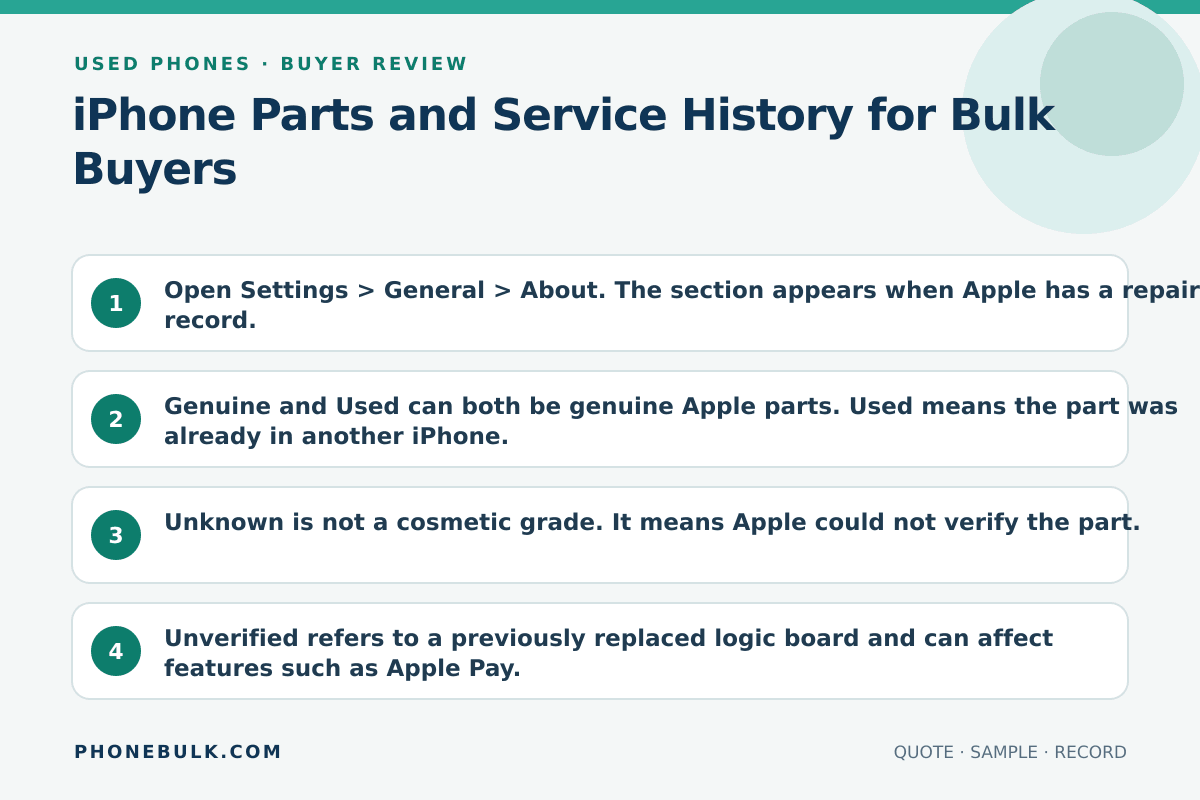
- Open Settings > General > About. The section appears when Apple has a repair record.
- Genuine and Used can both be genuine Apple parts. Used means the part was already in another iPhone.
- Unknown is not a cosmetic grade. It means Apple could not verify the part.
- Unverified refers to a previously replaced logic board and can affect features such as Apple Pay.
- A clean home screen is not a parts-history pass.
Parts and Service History is how Apple tells the next owner what was replaced. In a used lot, it is a value field, not a curiosity.
What the risk means
Apple says that if an iPhone has been repaired, you can check Parts and Service History to see whether the work used genuine Apple parts. A later owner can read the same record.
Apple documents these part labels:
| Label | Apple’s public meaning | Wholesale reading |
|---|---|---|
| Genuine | Repair used genuine Apple parts and processes | Disclose the repair. Do not hide it as “never opened.” |
| Used | The part was already used or installed in another iPhone | Still a genuine-part path on supported software. Price the reuse. |
| Unknown | Nongenuine, not working as expected, not verified after repair, or otherwise unverifiable | Clarify or reject unless the quote already allows it |
| Unverified | Logic board previously replaced; some features such as Apple Pay may be affected | Not a cosmetic note. Treat as a feature-risk unit |
Apple also says those messages do not affect the ability to use the iPhone unless the description says otherwise. That is a function statement, not a resale statement.
On batteries, Apple adds that an unverified battery can make health readings inaccurate, and that an Unknown part might affect trade-in value.
Why bulk buyers should care
A carton of “Grade A, 100% working” iPhones can still be a mixed parts lot. Your retail buyer will open Settings. If you did not, you own the surprise.
Accept / Clarify / Reject
| Evidence | Accept | Clarify | Reject |
|---|---|---|---|
| No history section | Matches “original parts” quote on a supported iOS | iOS too old to show it | Seller forbids Settings |
| Genuine or Used | Disclosed in the packing list | Repair not listed | Sold as never repaired |
| Unknown | Only if quote allows third-party parts | Reason not photographed | Hidden after you asked |
| Unverified logic board | Only if you can sell that feature set | “Just a label” | Apple Pay required, board unverified |
How to test it
- Connect the iPhone to the internet. Apple says more service detail, including date, can appear after the phone is online.
- Open Settings > General > About.
- Photograph Parts and Service History, or photograph About if the section is absent.
- Tap each listed part. Record the label and date.
- Read battery health on the same unit. An Unknown battery and a high capacity claim do not belong together.
What evidence to request
- Per-IMEI parts labels, not one sentence for the carton
- Whether third-party parts are allowed
- What happens if a unit shows Unknown after arrival
- iOS version used for the check
Common supplier wording
- “Original screen, guaranteed”
- “Battery 100%, no history”
- “Unknown is only a warning”
Related checks
Frequently asked questions
If the phone works, can I ignore an Unknown part?
Only if the quote already priced that label. Apple lists several reasons for Unknown, including a nongenuine part, a part that is not working as expected, or a part that was not verified and linked after repair. Your next buyer may reject it.
Does no Parts and Service History mean the iPhone was never repaired?
Not always. Apple shows the section when a supported repair is recorded. Older software, unsupported models, or unfinished pairing can hide what you expected to see. Record iOS version with the screenshot.
Sources and methodology
- About iPhone Parts and Service History — Apple Support Accessed August 22, 2026.
- About genuine iPhone batteries — Apple Support Accessed August 22, 2026.
Update history
- — First published. Official sources on this page were accessed on this date unless a later note says otherwise.
Factual corrections after publication are listed on the corrections page. There is no separate reviewer identity on this desk. See the editorial policy.

About the author
Frank Dean
Frank Dean researches manufacturer, standards, and trade documents for PhoneBulk, then turns them into accept / clarify / reject buying guidance for resellers.
- Source-backed wholesale research
- Claim-level fact review
- Separation of official rule and trade practice