
Key takeaways
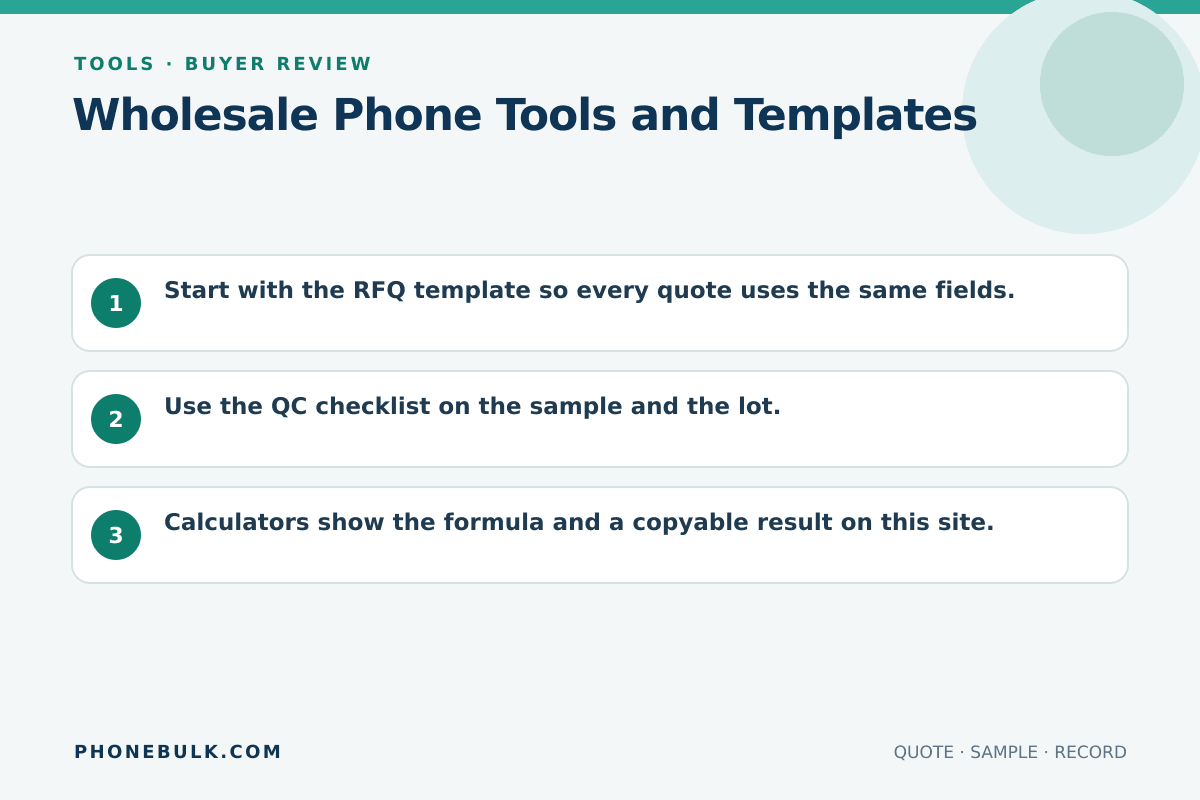
- Start with the RFQ template so every quote uses the same fields.
- Use the QC checklist on the sample and the lot.
- Calculators show the formula and a copyable result on this site.
This is the tools hub. Use a tool when it changes an order. Do not use it as decoration on a buying page.
The tools follow the same order as a real purchase. Start by writing what you want, compare the replies on equal terms, check the seller, and inspect the stock. The calculators come later. Running profit numbers before the SKU and delivery terms are settled gives you a neat answer to the wrong question.
Available now
| Tool | Job |
|---|---|
| Phone wholesale RFQ template | Force every supplier to answer the same commercial and technical fields |
| Bulk phone profit calculator | Estimate lot profit after landed cost, fees, and DOA |
| Landed-cost calculator | Add freight, insurance, duty, and inspection to goods |
| Supplier scorecard | Score identity, payment, QC, and after-sales |
| QC checklist tool | Fill, copy, or print Accept / Clarify / Reject |
| QC method | Why each inspection line exists |
Use the tools in order
Begin with the RFQ template. Put unused, used, and refurbished phones on separate lines. Name the model code, version, lock state, quantity, Incoterm, inspection access, and DOA terms. Send the same fields to every supplier so their replies can sit in one comparison sheet.
Next, verify the counterparty. The supplier scorecard is useful only after you have documents to score. A chat profile or a warehouse video cannot earn points for a legal-name match, payment trail, or written inspection right. Use the longer supplier verification guide when a row is unclear.
Recast the commercial numbers after the quote fields match. The landed-cost calculator puts freight, insurance, duty, destination handling, and inspection beside the goods amount. The profit calculator then uses that cost with channel fees and an unsellable rate. It does not verify the assumptions you type.
Finish with inspection. Use the QC checklist tool on the sample and again on the lot. A sample that gets a lighter test than the shipment tells you very little.
What to save with the order
Keep the RFQ, supplier reply, identity documents, scorecard, cost worksheet, sample record, and final inspection record together. If a number changes, save the new version rather than editing the old result without a note. That leaves a plain trail from the first request to the payment decision.
The tool output is not third-party evidence. A copied calculator result proves what you entered. Attach the packing list, named IMEI report, inspection photos, or shipping document that supports the entry.
Where a tool should stop you
A tool should slow the order when a required field is missing. Do not replace an empty model code with a guess, score a mismatched payee as “close enough,” or use zero for an unknown DOA rate. Mark the point as Clarify and ask the supplier. If the answer changes the lot, update the RFQ before comparing price.
Frequently asked questions
Can I use these tools if I buy from any supplier?
Yes. The templates are buying documents, not a PhoneBulk order form and not a path to another store.
Sources and methodology
- Incoterms 2020 — International Chamber of Commerce Accessed August 22, 2026.
Update history
- — First published. Official sources on this page were accessed on this date unless a later note says otherwise.
- — Substantive revision of the buying fields or source notes.
Factual corrections after publication are listed on the corrections page. There is no separate reviewer identity on this desk. See the editorial policy.

About the author
Frank Dean
Frank Dean researches manufacturer, standards, and trade documents for PhoneBulk, then turns them into accept / clarify / reject buying guidance for resellers.
- Source-backed wholesale research
- Claim-level fact review
- Separation of official rule and trade practice