
Key takeaways
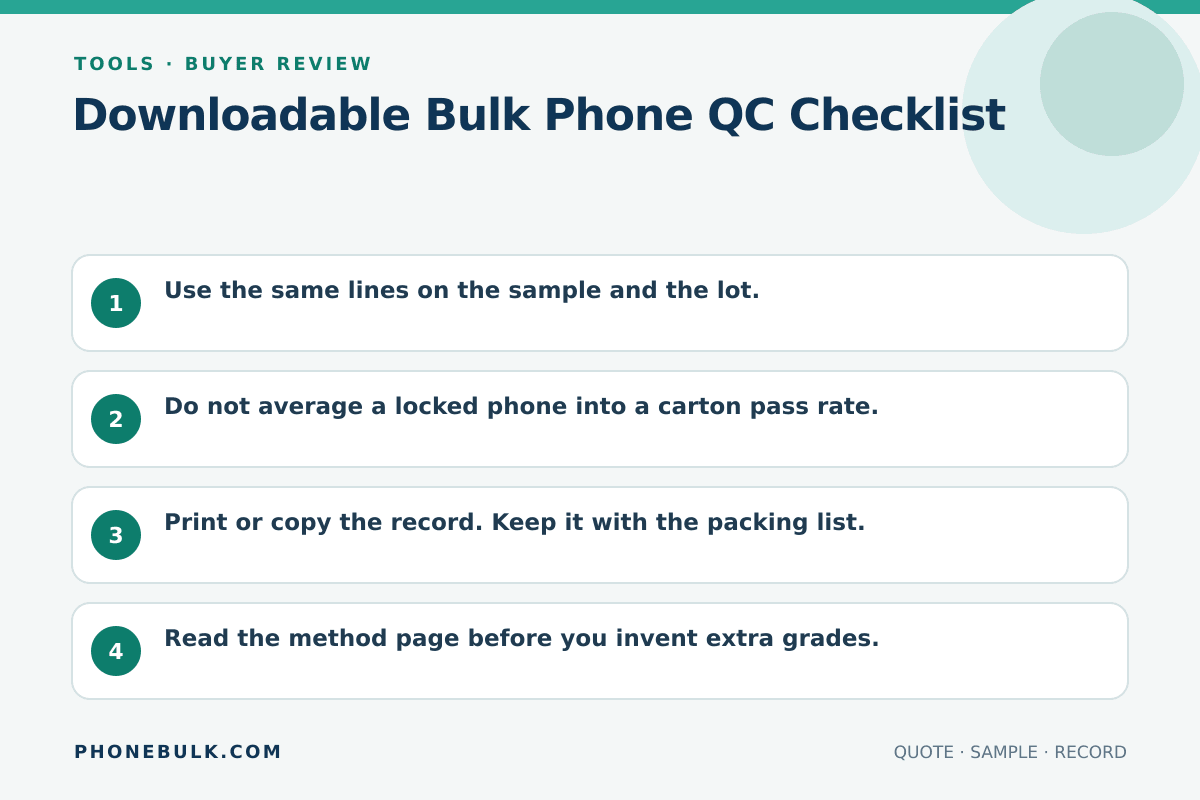
- Use the same lines on the sample and the lot.
- Do not average a locked phone into a carton pass rate.
- Print or copy the record. Keep it with the packing list.
- Read the method page before you invent extra grades.
The tool
The form above is the tool. The method is Bulk phone QC checklist. Use both.
Set up the inspection before opening the carton. Put the supplier’s packing list beside the form, name the lot, and decide who can change a result. If the seller and inspector use different meanings for Accept, Clarify, and Reject, settle that in writing before the first unit is tested.
How to use it
- Read the method page so Accept / Clarify / Reject mean the same thing to everyone at the table.
- Fill lot ID and unit IMEI.
- Mark every line. Empty is Clarify.
- Copy the record or print the page.
- One Reject on identity or locks is a unit Reject.
Work in the same order on every device. Start with identity, then check account and carrier locks, management state, IMEI status, battery and parts history where available, core functions, and cosmetic grade. A fixed order makes missed lines easier to spot and keeps a clean-looking phone from distracting the inspector from a lock failure.
Use Clarify when the evidence is missing or the result needs a named follow-up. Do not use it as a softer Reject. Add the exact item needed, such as a carrier confirmation, a fresh IMEI report, or the supplier’s release from management.
Field definitions
The lines follow the method page: identity, named IMEI check, carrier lock, account lock, MDM, battery, parts history, function, cosmetic grade, Play Protect when you sell Google apps, and data wipe. Apple, GSMA, Google, and NIST sources are cited on the method page.
The checklist separates conditions that sellers often blend into one grade. Cosmetic condition does not answer carrier lock. A working screen does not answer account lock. A factory reset does not by itself document data sanitization. Keep each result on its own line.
Example
A used iPhone that powers on, matches the list, shows No SIM restrictions, and fails Activation Lock is a unit Reject even if the glass is clean.
For an Android example, a unit can pass the model and cosmetic lines but remain Clarify if your sales channel requires Google apps and you have not recorded Play Protect certification. The next action is to check the device record, not to change the cosmetic grade.
Keep the inspection record usable
Save one result per unit or a lot sheet that still identifies every exception. Record the IMEI or serial in a controlled file rather than placing full identifiers in public photos. Attach the named IMEI report and any supplier response to the same order record.
Run the checklist again after arrival if another party handled packing or shipping. Compare the result with the pre-shipment record. New damage, a different serial, or a changed lock state needs its own note and should not overwrite the earlier result.
Risk note
A printed sheet is not a sanitization certificate and not a GSMA result. Attach the named IMEI report.
Related guides
Frequently asked questions
Is this a certificate from PhoneBulk?
No. You are filling your own inspection record. PhoneBulk does not inspect the lot.
Why is there a second QC URL?
The guide explains why each line exists. This page is the form you use at the table.
Sources and methodology
- Activation Lock for iPhone and iPad — Apple Support Accessed August 22, 2026.
- GSMA Device Check FAQs — GSMA Accessed August 22, 2026.
- Check and fix Play Protect certification status — Google Play Help Accessed August 22, 2026.
- NIST SP 800-88 Rev. 2 — National Institute of Standards and Technology Accessed August 22, 2026.
Update history
- — First published. Official sources on this page were accessed on this date unless a later note says otherwise.
- — Substantive revision of the buying fields or source notes.
Factual corrections after publication are listed on the corrections page. There is no separate reviewer identity on this desk. See the editorial policy.

About the author
Frank Dean
Frank Dean researches manufacturer, standards, and trade documents for PhoneBulk, then turns them into accept / clarify / reject buying guidance for resellers.
- Source-backed wholesale research
- Claim-level fact review
- Separation of official rule and trade practice