
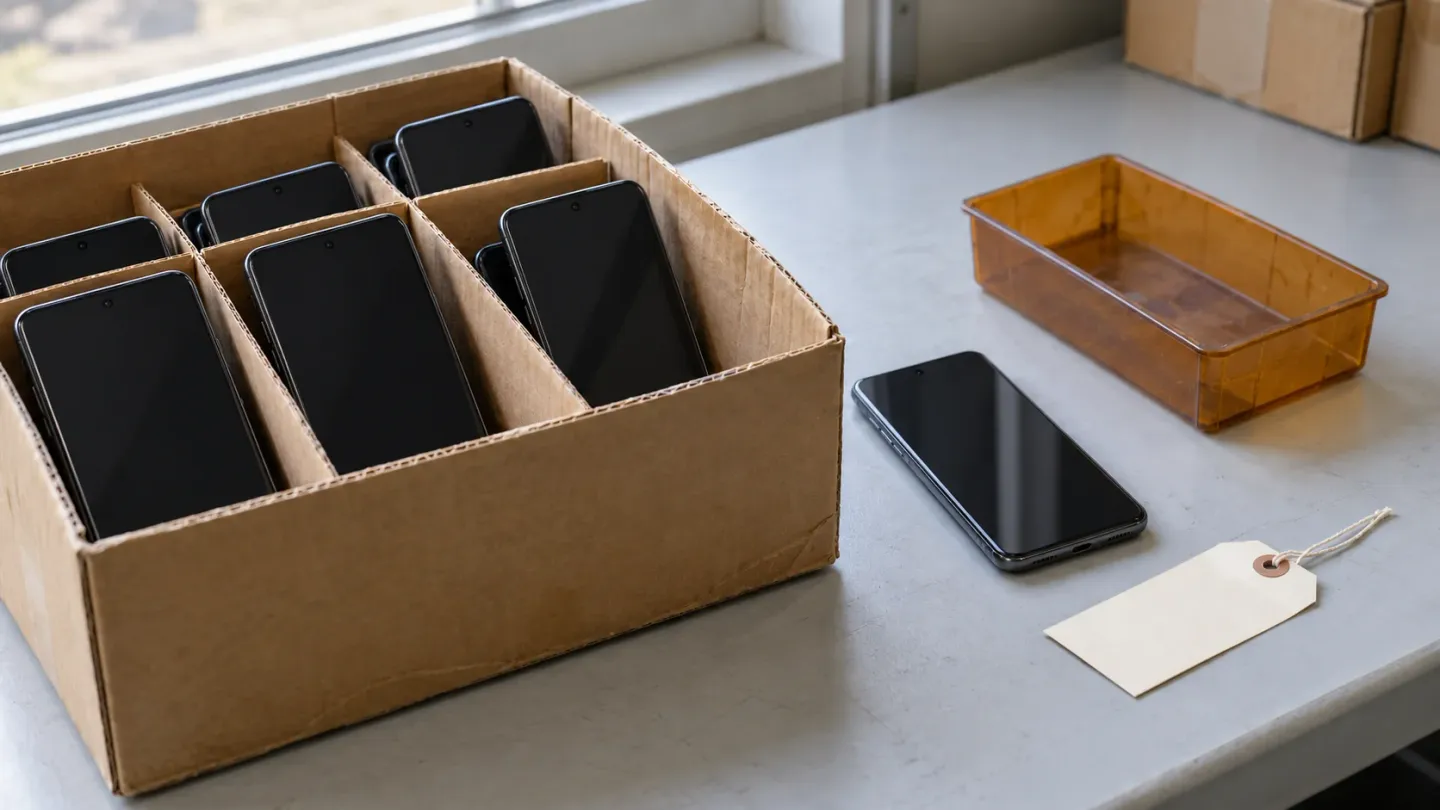
For a bulk phone buyer, the useful FRP result is whether this unit completes connected setup without an unresolved previous-owner verification requirement. A normal restart, an offline welcome screen or the seller’s “reset” label leaves that question open. Use the check below alongside the other acceptance fields in the used-phone buying guide.
Read the prompt before calling it an FRP lock
Factory Reset Protection (FRP) protects access after a reset; an ordinary invitation to sign in to Google is not sufficient evidence of a lock. Read whether the wizard requires credentials already associated with the phone, and whether setup can continue without them.
Google’s Help prevent others from using your device without permission explains that verification depends on how the protected device was reset. A Settings reset asks for the screen lock before erasure; a button-based Recovery reset can require the previous PIN, password or pattern, with a previously used Google Account as an alternative. Google permits an eligible account previously added and synced as an account or user, excluding guest accounts.
Use these dispositions for the account-check portion of receiving:
A phone that powers on can still fail the account-lock acceptance condition. Conversely, a network error alone does not identify FRP. Keep the exact prompt and the observed outcome together so the supplier can distinguish them.
Run a factory reset protection check on each unit
Start with the phone’s as-received state, then observe connected setup and record where it ends. If the unit is already erased, begin with that wizard. Before any additional erase, confirm ownership authorization and data clearance: Google’s Reset your Android device to factory settings states that a factory reset deletes on-device data.
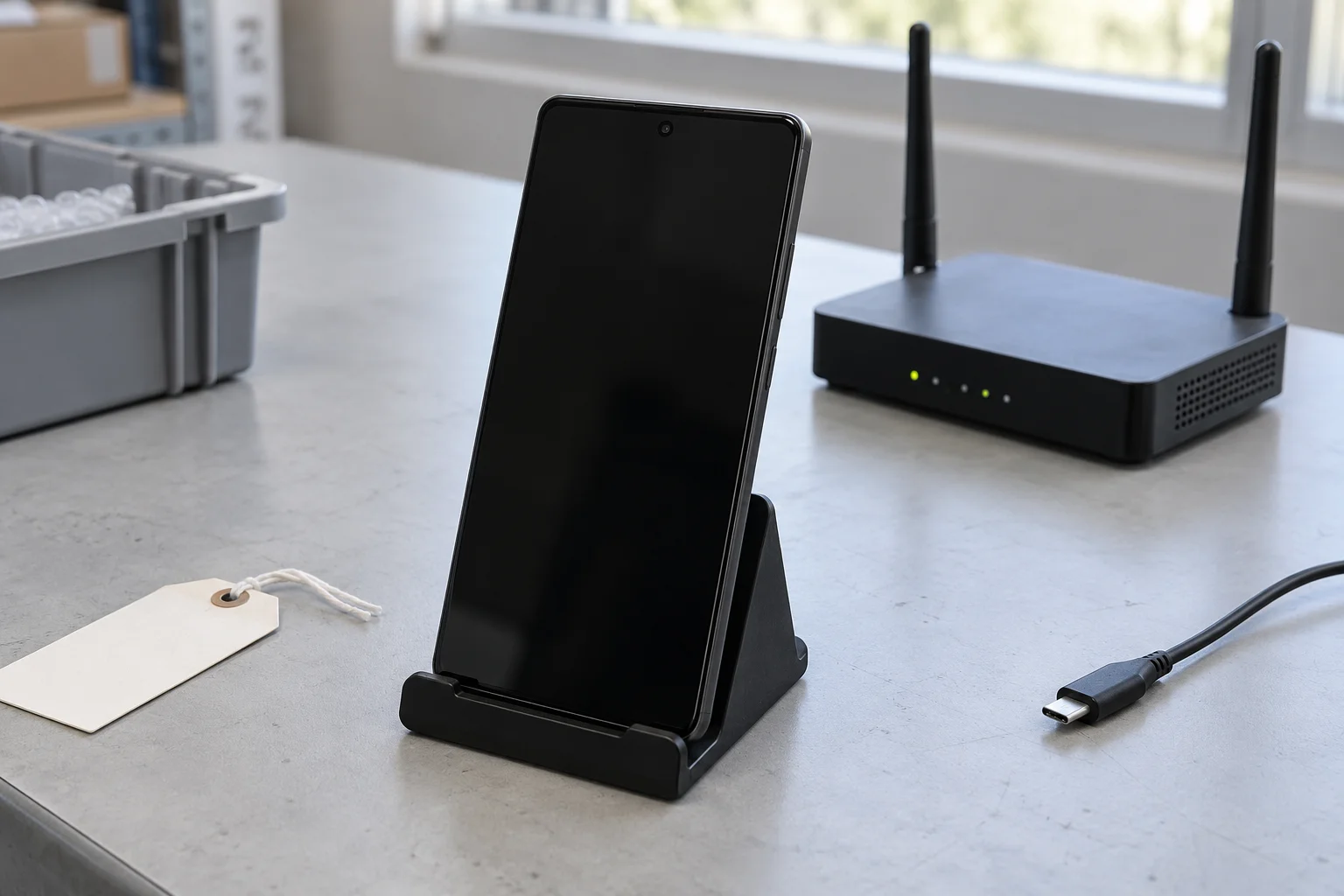
- Identify the unit. Match its serial or IMEI to the order and carton record. Add the exact model, visible software version, operator and inspection time. Keep full identifiers in the controlled receiving record.
- Record the starting state. Note whether it arrived at setup, at a screen lock or already in an active session. Record the reset route if known; otherwise record it as unknown. A restart into an existing session is a different observation from setup after erasure.
- Establish internet access. Use working Wi-Fi or mobile connectivity. Google requires a connection for account sign-in after reset. If the phone cannot connect or reach verification, retain an incomplete-test result.
- Read the ownership requirement. Capture the exact wording and whether it requires a previous account or screen lock. Stop at an unresolved mandatory requirement and hold the unit. Do not collect the previous owner’s password or recovery codes in a lot sheet.
- Record the completed outcome. Where setup can proceed without unresolved ownership verification, finish the wizard and note the final state. Continue the bulk phone QC checklist for management, carrier restrictions, IMEI, battery and function.
Keep account use under your receiving procedure: adding a personal Google Account during inspection can introduce a new account association. Arrange authorized account removal and the intended handover state before the device moves to resale stock.
Samsung’s Google Device Protection on your Galaxy phone or tablet distinguishes Settings and Recovery resets too. Follow the instructions for the actual model and software. If an established model-specific procedure exposes a Download-mode FRP field, save its literal value and model/build as supplementary evidence; base the receiving decision on the connected setup result.
A sample result belongs to the tested units. If sampling exposes an account-lock problem, segregate the affected phones and determine the remaining inspection scope with the supplier. Leave unchecked units marked untested until their own results are available.
Keep the FRP evidence with the phone
A useful claim record connects one observed blocker to one delivered unit and one order condition. Photograph the prompt while retaining that connection; redact personal account details in copies shared beyond the controlled inspection record.
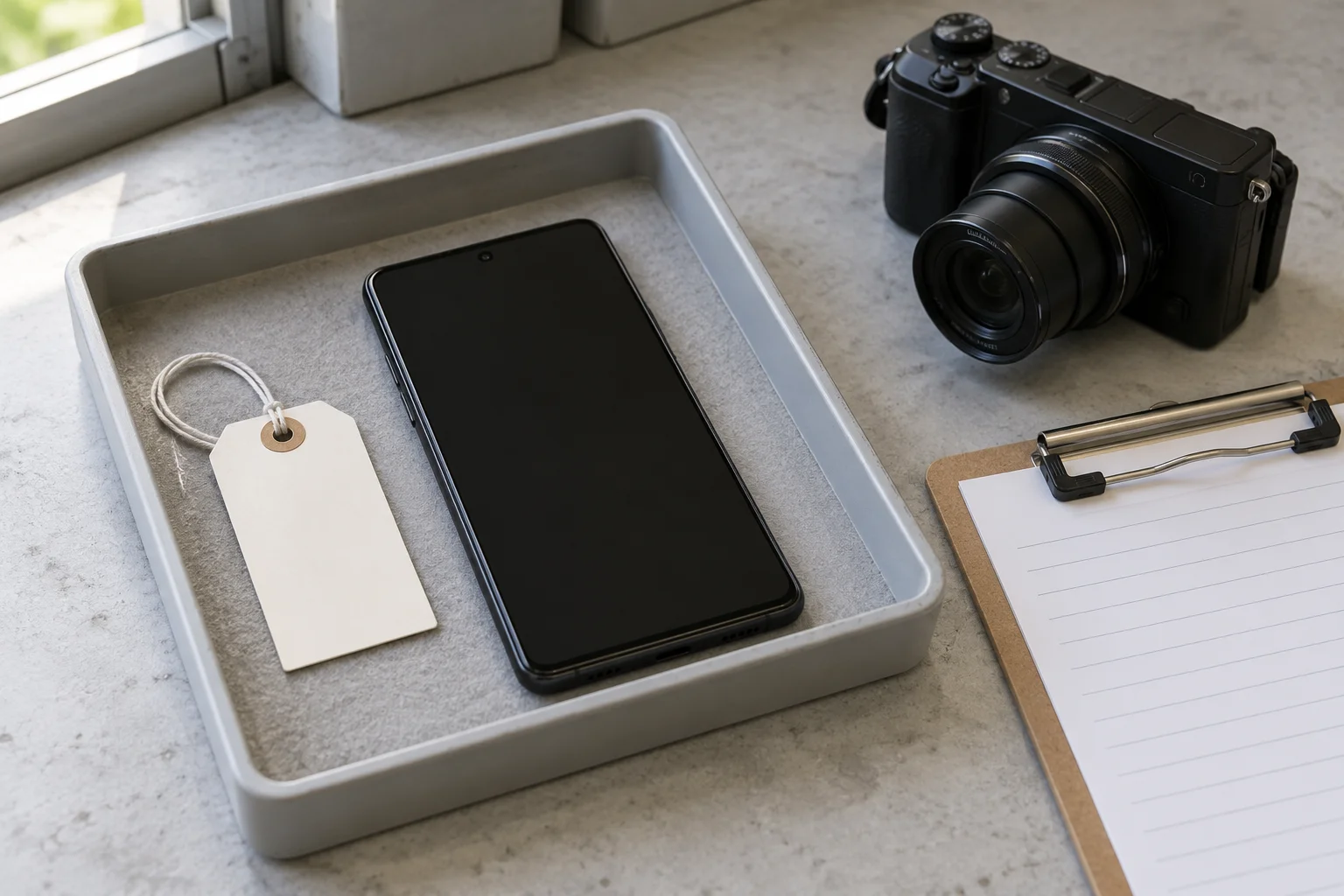
Copy these fields into your receiving sheet:
Keep the original failure entry when a later retest succeeds. The two observations explain both the initial hold and the reason for release. Use the bulk phone QC worksheet for the wider receiving check and add these FRP details to your unit record.
Quarantine the exception and agree the DOA route
Place unresolved account locks outside accepted resale stock and notify the supplier within the order’s claim window. Use a labelled hold tray or shelf, link its location to the unit record, and prevent held units from being picked with accepted phones.
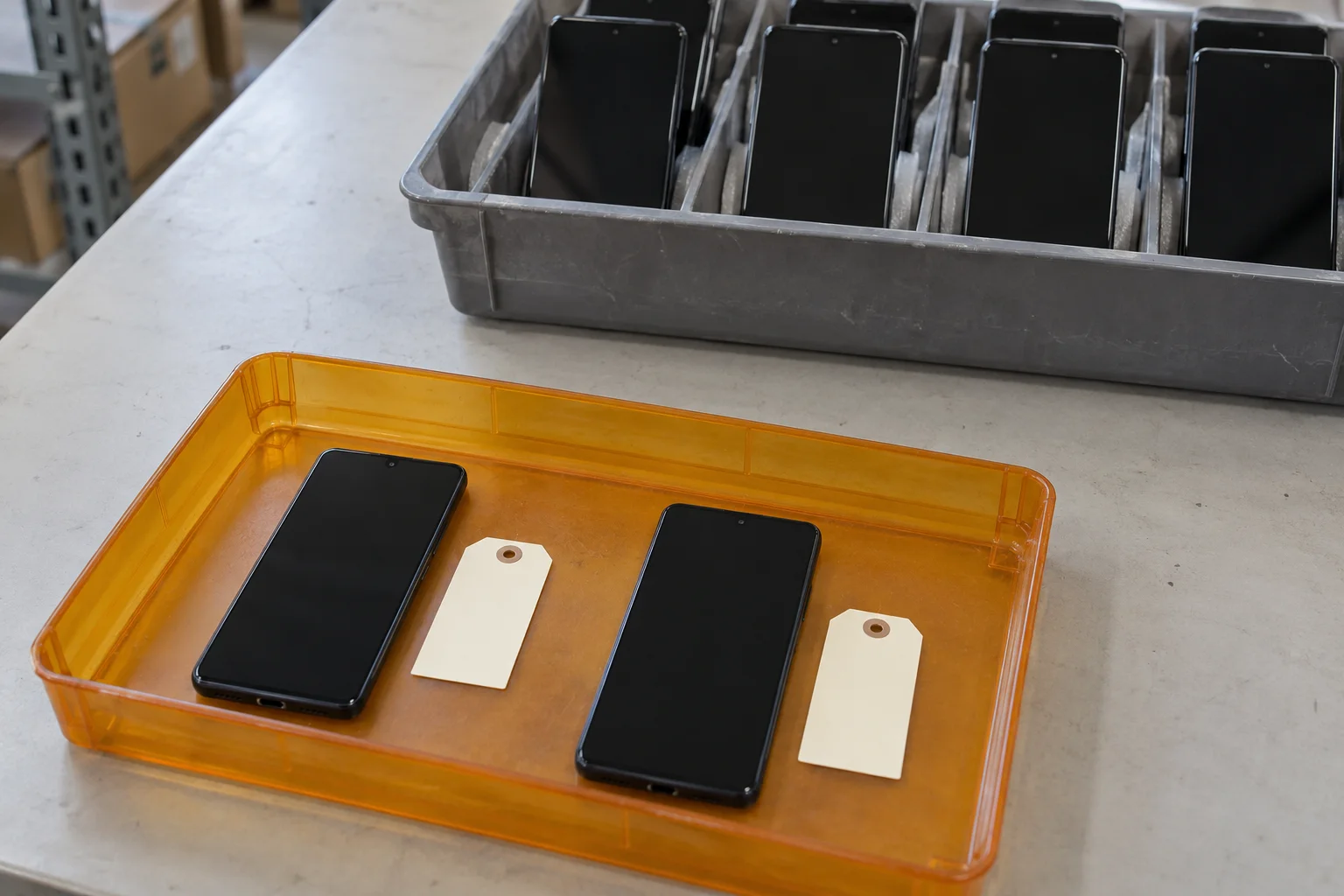
An FRP-blocked unit can be unusable for its intended resale condition while still powering on normally. Whether that failure falls under DOA, a separate account-lock clause or another return condition depends on the written order. Agree these points before accepting the lot:
- Covered condition: Does the order require completion of connected setup without unresolved previous-owner verification? State whether account locks fall within the return provision.
- Evidence and timing: Which identifiers, prompt photographs and test details must be supplied, and what event starts the notice period?
- Resolution and remedy: Who handles authorized account release? What happens if it remains unresolved: replacement, return, credit or another agreed outcome?
- Return handling: Who authorizes the RMA and covers agreed return costs? Keep packaging and unit identification consistent with those instructions.
The DOA warranty and returns guide helps connect these terms to the broader purchase. Submit an unresolved claim within the agreed deadline while account resolution is pending; a promise to fix the issue later should not replace the notification record.
Release the unit only after authorized resolution and retest
Have the supplier, previous owner or responsible organization resolve the ownership requirement, then repeat connected setup and preserve the new result. Google’s device-protection guidance identifies removal of the Google Account from the device as the way to turn off device protection. Let the authorized account holder handle authentication and account removal.
For Galaxy devices, Samsung describes assistance through an authorized Service Center with proof of purchase when account information cannot be recovered. Confirm the applicable evidence requirements with that service center before sending a unit. Keep the supplier claim active until the agreed remedy or a satisfactory retest is recorded.
For company-owned Android stock, involve the releasing organization’s IT team. Google’s Enable enterprise factory reset protection explains that enterprise FRP can restrict which accounts activate a reset device and that policy configuration takes place before reset. Retain the organization’s release evidence and inspect any management requirement separately.
In mixed Android/iPhone lots, give each platform its own account-lock result. Apple’s account-linked Activation Lock follows a different process; use the iPhone Activation Lock check and, for managed iPhones, the iPhone MDM enrollment check.
Before moving a held Android phone into accepted stock, confirm that the identifier matches, the connected setup result is recorded, any organizational requirement is resolved, and the remaining QC and order conditions are met. Keep untested, unresolved and accepted units distinguishable throughout the handover.
Sources and methodology
- Help prevent others from using your device without permission — Google Android Help
- Reset your Android device to factory settings — Google Android Help
- Google Device Protection on your Galaxy phone or tablet — Samsung Support
- Enable enterprise factory reset protection — Google Android Enterprise Help
- Activation Lock for iPhone and iPad — Apple Support
Update history
- — First published. Official sources on this page were accessed on this date unless a later note says otherwise.
- — Added connected-setup decisions, a per-unit FRP evidence checklist and account-lock quarantine steps.
Factual corrections after publication are listed on the corrections page. Editorial responsibilities and review methods are described in the editorial policy.

About the author
Frank Dean
Frank Dean researches manufacturer, standards, and trade documents for PhoneBulk, then turns them into accept / clarify / reject buying guidance for resellers.
- Source-backed wholesale research
- Claim-level fact review
- Separation of official rule and trade practice