
Key takeaways
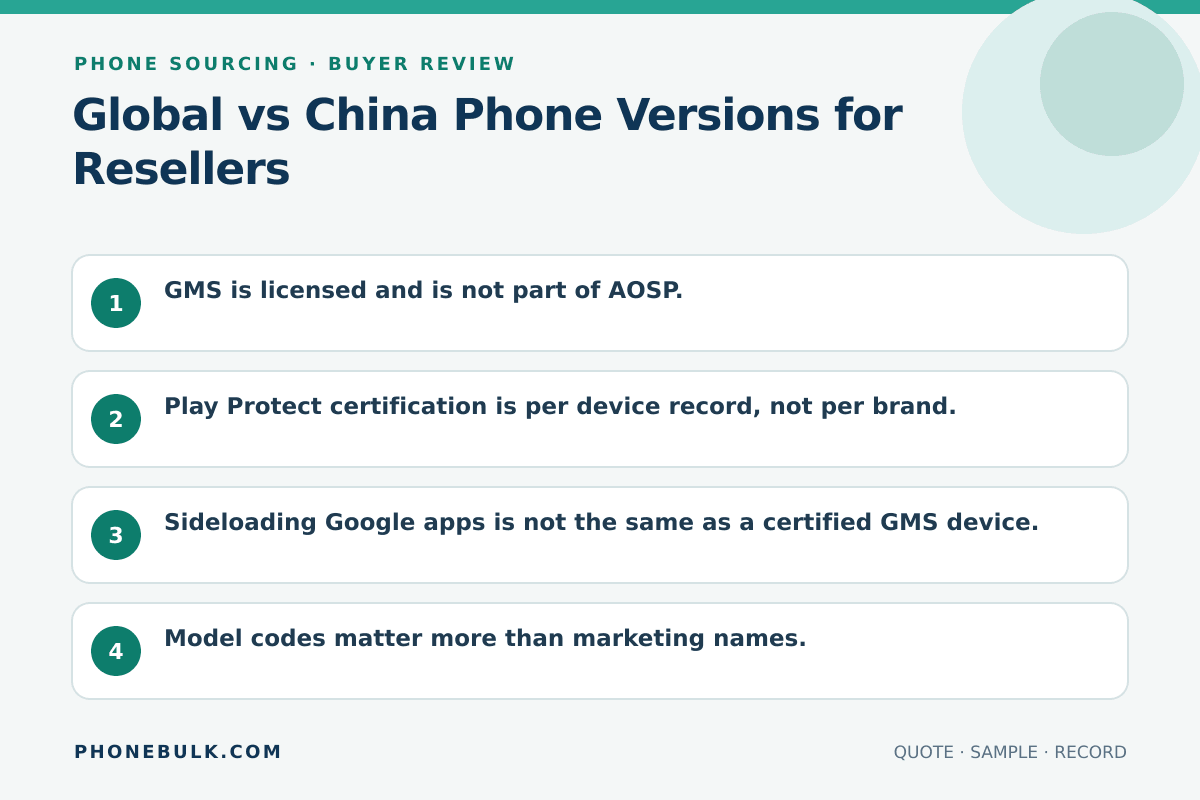
- GMS is licensed and is not part of AOSP.
- Play Protect certification is per device record, not per brand.
- Sideloading Google apps is not the same as a certified GMS device.
- Model codes matter more than marketing names.
- Tell the next buyer the version you actually shipped.
A version problem looks like a software complaint after you have already paid for hardware.
What to compare
| Topic | Why it matters to a reseller |
|---|---|
| GMS license | Google apps and APIs are not bundled with AOSP by default |
| Play Protect certification | Official Play Store eligibility is tied to certification |
| Firmware family | OTA, language, and preinstalled apps |
| Model code | Radios, charger, and service |
| eSIM / SIM layout | What your customer can activate |
| Warranty path | Who will accept the unit |
| Packaging and manuals | What you can legally and honestly show |
| Disclosure | What you must tell the next buyer |
Google describes GMS as apps and APIs available through a license, and notes that GMS apps can vary by country. Play Protect certified devices include licensed Google apps and have passed Android compatibility testing. Uncertified devices are a different selling story.
Do not use the box name as the version record. Save the model code shown on the device, the software build or region family, and the Play Protect result when Google apps matter to the channel. Put the same description on the packing list and customer disclosure.
“Global ROM” needs clarification because sellers use it for different conditions. It may refer to a factory market version, changed software, or simply a phone with more languages. Ask which condition applies and test the sample instead of choosing a meaning from the phrase.
Accept / Clarify / Reject
| Quote language | Accept | Clarify | Reject |
|---|---|---|---|
| “Global ROM” | Model code + Play certified sample | “Global compatible” | China firmware labeled global |
| “Google installed” | Play Protect certified | Sideload mentioned | Uncertified sold as official GMS |
| “Same as international” | Band list for your market | Photo of a box | No model code |
| “Can flash global” | Buyer-owned risk, written | Implied as included | Hidden as the plan to make it sellable |
Use the Reject column when the quote describes one product but the sample shows another. Use Clarify when the seller has not supplied the model code, certification result, or software family yet. A lower price does not settle a version question.
How to test a sample
- Read the model code from the device.
- Open Play Store > Settings > About and read Play Protect certification if Play is present.
- Check language, accounts, and OTA channel.
- Confirm cellular bands against the destination network, not against a brochure.
- Write the version on the packing list the same way you will tell your customer.
Repeat the check after an update if the sale depends on a particular software path. Keep screenshots or inspection notes with the sample record. The point is not to collect menus. It is to show that the device you tested matches the version sold in the lot.
Connect software and radio checks
GMS or Play Protect status does not answer network compatibility. A phone can have the Google software your customer expects and still lack a needed band or SIM arrangement. Use the network compatibility guide with the exact model code and destination carrier requirements.
The reverse is also true. A radio match does not prove the Google or warranty path. Keep software, bands, charger, and service as separate RFQ fields. The phone wholesale RFQ template gives each one a line.
Disclose the version downstream
Describe what the unit is, not what it resembles. If software was changed after manufacture, record that work and do not call the result a factory global version. If Play Protect shows uncertified, state that result instead of treating a working app icon as certification.
Related guides
Frequently asked questions
Can I install Google Play on a China-version phone and sell it as global?
You can describe the work you did. You cannot honestly describe the result as a factory global or Play Protect certified device unless that is what it is. Google says uncertified devices may not be eligible for official Google apps.
Do all global phones have the same bands?
No. Global is a firmware and GMS family, not one radio. Check the model code against your destination network.
Sources and methodology
- Android Google Mobile Services — Android / Google Accessed August 22, 2026.
- Check and fix Play Protect certification status — Google Play Help Accessed August 22, 2026.
- Google Play supported devices — Google Play Help Accessed August 22, 2026.
Update history
- — First published. Official sources on this page were accessed on this date unless a later note says otherwise.
- — Substantive revision of the buying fields or source notes.
Factual corrections after publication are listed on the corrections page. There is no separate reviewer identity on this desk. See the editorial policy.

About the author
Frank Dean
Frank Dean researches manufacturer, standards, and trade documents for PhoneBulk, then turns them into accept / clarify / reject buying guidance for resellers.
- Source-backed wholesale research
- Claim-level fact review
- Separation of official rule and trade practice