
Key takeaways
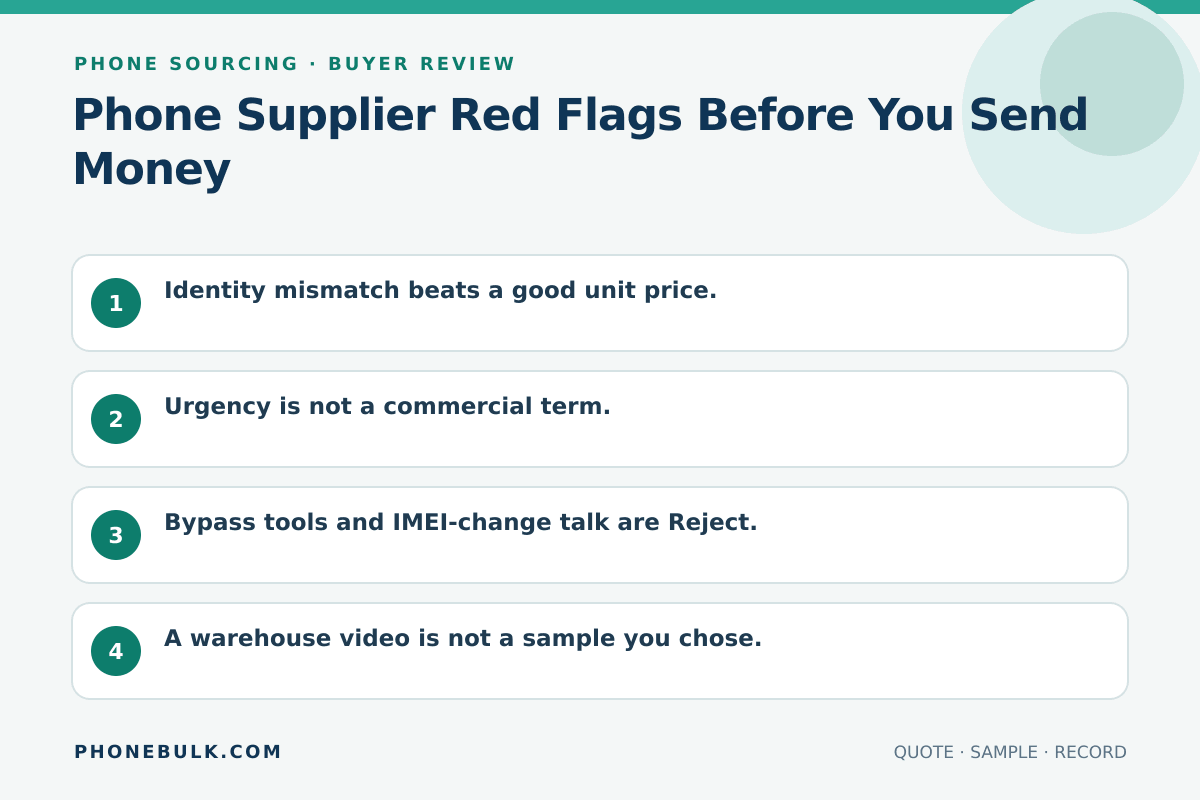
- Identity mismatch beats a good unit price.
- Urgency is not a commercial term.
- Bypass tools and IMEI-change talk are Reject.
- A warehouse video is not a sample you chose.
- One flag is Clarify. Two identity flags are Reject.
Red flags are cheaper to read than a missing carton. Use this page after verification, not instead of it.
A flag belongs to a specific order record. Save the message, document, or mismatch that created it. That keeps the decision tied to evidence and avoids turning a general worry into an accusation about a company.
Who this guide is for
Buyers on a first transfer, or on a larger transfer to a new counterparty. It is not a consumer scam-news roundup.
Hard stops on a first order
| Signal | Why it matters | Action |
|---|---|---|
| Invoice name ≠ account name | You may be paying a stranger | Reject until fixed |
| Personal account for a company lot | Same | Reject |
| Full prepay, no inspection | You lose the only check | Reject |
| “We remove iCloud / MDM / blacklist” | Apple says not to take an owner-locked device. GSMA flags are network facts, not seller magic | Reject |
| “We can change IMEI” | Identity fraud, not QC | Reject |
| Refuses a packing list | You cannot compare the lot | Reject |
Do not negotiate around a hard stop by adding more units or accepting a deeper discount. Fix the identity, inspection, or stock evidence first. If it cannot be fixed in writing, close the first-order file.
Clarify, then decide
| Signal | Clarify with | Still Reject if |
|---|---|---|
| Only WhatsApp, no papers | Registration and invoice pack | Papers never arrive |
| Warehouse video | You pick carton or IMEI | They will not let you choose |
| “Shipping included” | Incoterm and place | No named place |
| Huge discount after delay | Recast the RFQ | Fields still empty |
| New domain, old logo | Legal name match | Names still drift |
Clarify with one request at a time. Ask for the current company document, corrected invoice, named delivery place, or sample identifiers you choose. A long call can feel productive while leaving the same missing field untouched.
What is not automatically a flag
- A small trial MOQ.
- A young company with matching documents.
- A higher price with a complete RFQ.
- Refusal to discuss OEM, custom ROM, or MDM deployment. Those jobs are out of scope here.
A complete answer can also be inconvenient without being a red flag. A supplier may have a higher MOQ, a longer inspection window, or a price that does not fit your channel. Rejecting the commercial offer is different from labeling the supplier dishonest.
How to use the list
- Run the four name matches on the verification page.
- Tick flags on this page.
- Score the counterparty on the supplier scorecard.
- If you still buy, shrink quantity and keep inspection rights.
Record the decision
Write which flags were found, what evidence resolved them, and who approved the next step. If the payee or invoice changes later, reopen the identity check. Do not rely on the fact that an earlier document passed.
Use the supplier checklist to keep Accept, Clarify, and Reject beside the source documents. The supplier scorecard is useful after the hard stops are cleared. A total score should never average away an identity mismatch or refusal to inspect.
Before the balance, repeat the check against the final invoice and packing list. Confirm the same legal name, payee, SKU list, version, and inspection right. A last-minute change is new evidence, even when the salesperson calls it routine.
Related guides
Frequently asked questions
Is a new company automatically a red flag?
No. A new company with matching papers, a matching account, and a sample you choose can be a trial. A new company that will only take full prepayment is a stop.
What if the seller offers a bigger discount after I hesitate?
Recheck the unmatched fields. A discount does not fill an RFQ or fix a payee name.
Sources and methodology
- Activation Lock for iPhone and iPad — Apple Support Accessed August 22, 2026.
- GSMA Device Check FAQs — GSMA Accessed August 22, 2026.
- Know Your Incoterms — U.S. International Trade Administration Accessed August 22, 2026.
Update history
- — First published. Official sources on this page were accessed on this date unless a later note says otherwise.
- — Substantive revision of the buying fields or source notes.
Factual corrections after publication are listed on the corrections page. There is no separate reviewer identity on this desk. See the editorial policy.

About the author
Frank Dean
Frank Dean researches manufacturer, standards, and trade documents for PhoneBulk, then turns them into accept / clarify / reject buying guidance for resellers.
- Source-backed wholesale research
- Claim-level fact review
- Separation of official rule and trade practice